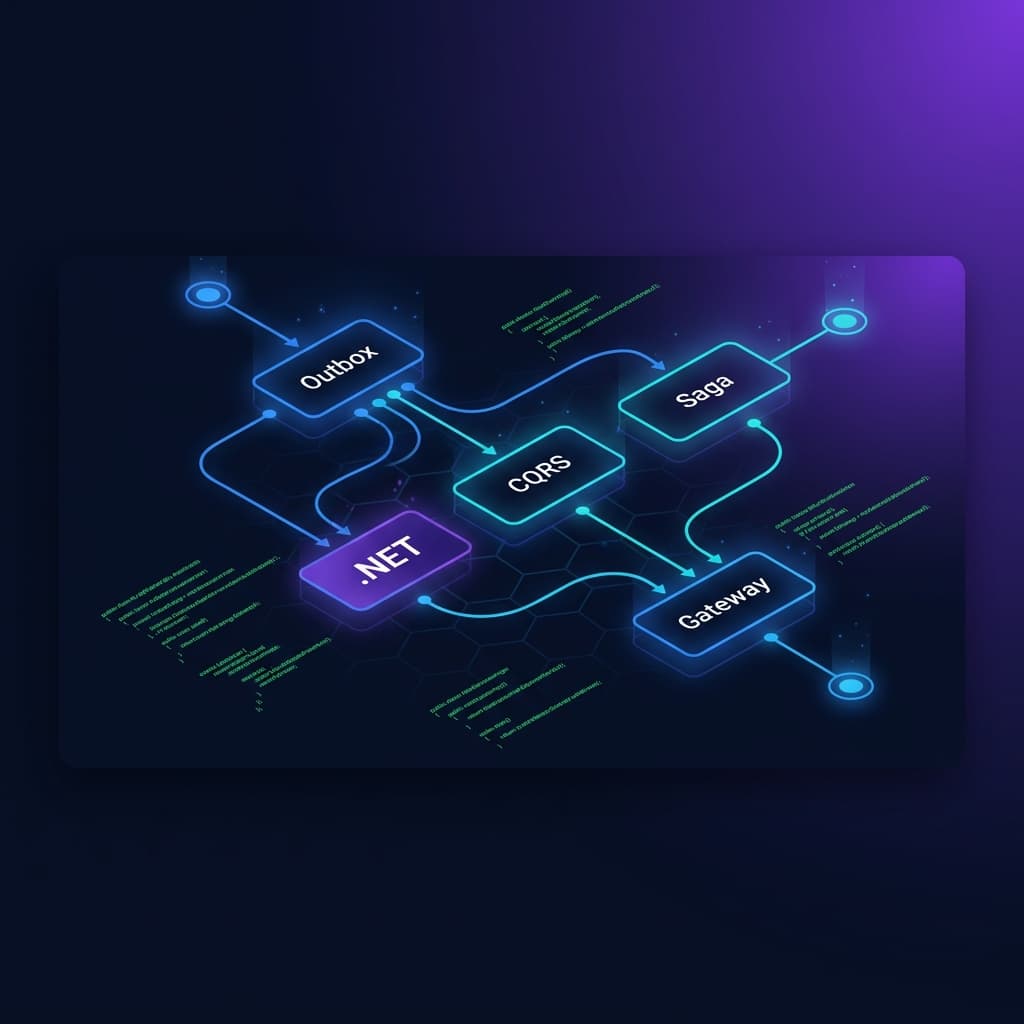
5 Real-World Microservices Patterns in .NET 9: A Deep-Dive System Design Guide (2026)
Last Updated: June 4, 2026
Table of Contents
- Preventing Data Loss with the Transactional Outbox Pattern
- Decoupling Read and Write Operations via CQRS with MediatR
- Distributed State Tracking via Saga Orchestration with MassTransit
- Defending Distributed Systems via the Idempotent Consumer Pattern
- Safeguarding Resources with the API Gateway Routing & Aggregation Pattern
- Architecture Framework Summary
- Frequently Asked Questions
Distributed systems are highly resilient until a network split occurs mid-transaction, leaving your databases permanently out of sync. Moving from a single-service setup to a distributed ecosystem introduces significant data consistency challenges. In this system design guide, you will discover how to implement production-ready microservices patterns using C# and .NET 9 — without risking data loss or compromising system performance.
As a Senior Software Architect with over a decade of experience designing high-throughput, distributed C# backends, I have watched teams repeatedly stumble over eventual consistency. Let's fix that today by breaking down 5 crucial structural blueprints.
1. Preventing Data Loss with the Transactional Outbox Pattern
When a business action requires saving data to your database and sending an event to a message broker (like RabbitMQ), doing both across a network introduces a classic distributed systems risk. If the broker goes down mid-operation, your database transaction commits, but your event disappears forever.
Why the Outbox Pattern Matters in .NET 9
In modern cloud-native architectures, atomic operations across remote infrastructure boundaries are impossible without heavy, slow distributed transactions (like 2PC). The Transactional Outbox pattern guarantees that your system state updates and integration events fail or succeed as a single atomic unit.
What is the Transactional Outbox Pattern?
C# Implementation: EF Core and BackgroundService
Using Entity Framework Core in .NET 9, we can seamlessly capture an outbound message during our standard data mutation loop.
1public sealed class OutboxMessage
2{
3    public Guid Id { get; set; }
4    public string Type { get; set; } = string.Empty;
5    public string Content { get; set; } = string.Empty;
6    public DateTime OccurredOnUtc { get; set; }
7    public DateTime? ProcessedOnUtc { get; set; }
8}
9
10// In your DbContext save pipeline
11public async Task<int> SaveChangesWithOutboxAsync(CancellationToken cancellationToken = default)
12{
13    var domainEvents = ChangeTracker.Entries<AggregateRoot>()
14        .Select(x => x.Entity)
15        .SelectMany(x => x.GetDomainEvents())
16        .ToList();
17
18    var outboxMessages = domainEvents.Select(domainEvent => new OutboxMessage
19    {
20        Id = Guid.NewGuid(),
21        OccurredOnUtc = DateTime.UtcNow,
22        Type = domainEvent.GetType().Name,
23        Content = JsonSerializer.Serialize(domainEvent, domainEvent.GetType())
24    }).ToList();
25
26    await Set<OutboxMessage>().AddRangeAsync(outboxMessages, cancellationToken);
27    return await SaveChangesAsync(cancellationToken);
28}
An asynchronous .NET 9 BackgroundService or an outbox processor like MassTransit then picks up these unread rows, publishes them to RabbitMQ, and marks them as processed upon acknowledgment.
2. Decoupling Read and Write Operations via CQRS with MediatR
As applications grow, reading data often conflicts with mutating data. Complex SQL joins slow down simple writes, and entity validation frameworks add overhead to basic queries.
Why CQRS Matters in .NET 9
Command Query Responsibility Segregation (CQRS) splits your data access patterns into two distinct pathways. This ensures your data write models stay focused on domain rule validation, while read models can bypass processing overhead to fetch raw data fast.
1                  ┌─────────── Command ───────────► [ Write DB ]
2                  │                                     │
3[ Client Request ]┤                                 (Sync / Async)
4                  │                                     ▼
5                  └──────────── Query ────────────► [ Read DB / Cache ]
What is CQRS?
Implementing CQRS with MediatR
MediatR coordinates this separation elegantly in C#, keeping codebases incredibly clean and highly maintainable.
1// Query Object
2public record GetOrderByIdQuery(Guid OrderId) : IRequest<OrderResponse>;
3
4// Handler Object using Dapper for lightning-fast reads
5public sealed class GetOrderByIdHandler : IRequestHandler<GetOrderByIdQuery, OrderResponse>
6{
7    private readonly IDbConnection _dbConnection;
8
9    public GetOrderByIdHandler(IDbConnection dbConnection) => _dbConnection = dbConnection;
10
11    public async Task<OrderResponse> Handle(GetOrderByIdQuery request, CancellationToken cancellationToken)
12    {
13        const string sql = "SELECT Id, Total, Status FROM Orders WHERE Id = @OrderId";
14        return await _dbConnection.QueryFirstOrDefaultAsync<OrderResponse>(sql, new { request.OrderId });
15    }
16}
3. Distributed State Tracking via Saga Orchestration with MassTransit
When business processes span across multiple distinct microservices — such as an e-commerce checkout involving Inventory, Payment, and Shipping services — relying on standard database locks is impossible. If the payment fails after inventory is allocated, you must systematically reverse previous actions.
Why the Saga Pattern Matters in .NET 9
The Saga pattern handles these long-running, multi-service transactions. Rather than utilizing distributed locks, it relies on a sequence of local events. If a step breaks down, the Saga executes compensatory transactions in reverse order to return the system to a clean state.
What is Saga Orchestration?
MassTransit State Machine Sample
MassTransit provides a powerful domain-specific language (DSL) directly in C# to map out your distributed orchestrations cleanly.
1public class OrderStateMachine : MassTransitStateMachine<OrderState>
2{
3    public OrderStateMachine()
4    {
5        InstanceState(x => x.CurrentState);
6
7        Initially(
8            When(OrderSubmittedEvent)
9                .Then(context => context.Saga.CustomerOrderId = context.Message.OrderId)
10                .TransitionTo(Submitted)
11                .Publish(context => new AllocateInventoryCommand(context.Saga.CorrelationId))
12        );
13
14        During(Submitted,
15            When(InventoryAllocatedEvent)
16                .TransitionTo(InventoryReserved)
17                .Publish(context => new ProcessPaymentCommand(context.Saga.CorrelationId)),
18            When(InventoryAllocationFailedEvent)
19                .TransitionTo(Faulted)
20                .Respond(context => new OrderRejectedResponse(context.Saga.CustomerOrderId))
21        );
22    }
23
24    public State Submitted { get; private set; } = null!;
25    public State InventoryReserved { get; private set; } = null!;
26    public State Faulted { get; private set; } = null!;
27
28    public Event<OrderSubmitted> OrderSubmittedEvent { get; private set; } = null!;
29    public Event<InventoryAllocated> InventoryAllocatedEvent { get; private set; } = null!;
30    public Event<InventoryAllocationFailed> InventoryAllocationFailedEvent { get; private set; } = null!;
31}
4. Defending Distributed Systems via the Idempotent Consumer Pattern
Network drops happen. Because of this, message brokers like RabbitMQ commit to "at-least-once" delivery guarantees. This means your C# services will occasionally receive the exact same message twice. If your system isn't prepared for it, a consumer could double-charge a customer or double-deduct warehouse stock.
Why Idempotent Consumers Matter in .NET 9
To safely run distributed message handlers, your consumers must be completely idempotent. Processing a specific command multiple times must produce the exact same outcome as running it a single time.
What is the Idempotent Consumer Pattern?
1public sealed class ProcessOrderConsumer : IConsumer<ProcessOrderCommand>
2{
3    private readonly AppDbContext _context;
4
5    public ProcessOrderConsumer(AppDbContext context) => _context = context;
6
7    public async Task Consume(ConsumeContext<ProcessOrderCommand> context)
8    {
9        var messageId = context.MessageId; // Handled natively by MassTransit
10
11        // Atomically attempt to insert the tracking key
12        var distributedKeyExists = await _context.ConsumedMessages
13            .AnyAsync(m => m.MessageId == messageId);
14
15        if (distributedKeyExists)
16        {
17            // Already handled. Safely exit without duplicating actions.
18            return;
19        }
20
21        // Process actual system logic here...
22
23        _context.ConsumedMessages.Add(new HandledMessage { MessageId = messageId });
24        await _context.SaveChangesAsync();
25    }
26}
5. Safeguarding Resources with the API Gateway Routing & Aggregation Pattern
Exposing dozens of fine-grained internal microservices directly to client applications creates a nightmare scenario: frontends must make dozens of slow HTTP requests just to render a single dashboard, while security teams struggle to enforce API policies across varying internal systems.
Why an API Gateway Matters in .NET 9
An API Gateway acts as a single reverse-proxy entryway for all upstream client calls. It handles cross-cutting concerns like global authentication, rate limiting, and route compilation right at the edge of your cluster network.
1                      ┌─────────────────┐
2                      │   API Gateway   │
3                      │  (YARP/.NET 9)  │
4                      └────────┬────────┘
5                               │
6         ┌─────────────────────┼─────────────────────┐
7         ▼                     ▼                     ▼
8┌─────────────────┐   ┌─────────────────┐   ┌─────────────────┐
9│ Catalog Service │   │ Order Service   │   │ Account Service │
10└─────────────────┘   └─────────────────┘   └─────────────────┘
What is the API Gateway Pattern?
In .NET 9, Microsoft's YARP (Yet Another Reverse Proxy) is the preferred enterprise tool for setting up high-performance routing directly within your C# configuration file:
1{
2  "ReverseProxy": {
3    "Routes": {
4      "catalog-route": {
5        "ClusterId": "catalog-cluster",
6        "Match": {
7          "Path": "/api/v1/catalog/{**catchall}"
8        }
9      }
10    },
11    "Clusters": {
12      "catalog-cluster": {
13        "Destinations": {
14          "destination1": {
15            "Address": "https://internal-catalog-service:8081"
16          }
17        }
18      }
19    }
20  }
21}
Architecture Framework Summary
| Pattern | Primary Benefit | Key Toolchain Components |
|---|---|---|
| Transactional Outbox | Eliminates data losses during broker drops | EF Core + C# BackgroundService |
| CQRS | Optimizes high-throughput data reads and writes | MediatR + Dapper + C# Records |
| Saga Orchestration | Ensures eventual consistency across your platform | MassTransit State Machine + RabbitMQ |
| Idempotent Consumer | Discards duplicate network messages gracefully | MassTransit Metadata + Database Constraints |
| API Gateway | Consolidates routing, auth, and network exposure | Microsoft YARP + .NET 9 Kestrel |
"Many development teams jump into the Saga pattern too early when building distributed systems. Before writing complex state rollback engines, ensure you have robust telemetry and a solid Transactional Outbox. Most data issues in distributed apps aren't caused by complex business failures — they stem from silent, unhandled network drops between your database and your message broker."
Conclusion & Next Steps
Building a reliable architecture with .NET 9 microservices patterns isn't about avoiding network failures — it's about designing your C# code to embrace them gracefully. By pairing patterns like the Transactional Outbox with robust tools like MassTransit and MediatR, you ensure your services scale seamlessly without compromising your data integrity.
What pattern are you planning to roll out in your next system architecture design update? Drop your questions and architectural thoughts in the comments below!